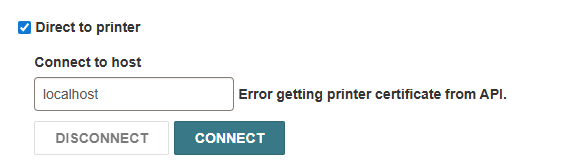
Direct to printer - Error getting printer certificate from API

Hello,
help!
I’m not able to connect to my receipt printer. I have a Star TSP100 receipt printer and followed through with the settings mentioned in this post but it didn’t help . I seem to be the only one with this issue. I have also uninstalled and re-installed QZ Tray.

Thank you!

You need a certificate:

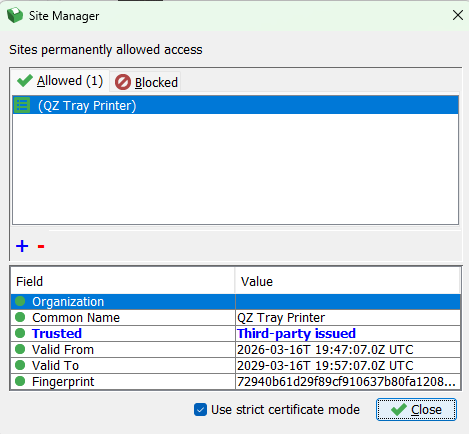
Hi Wes, Yes I have a certificate that is being used by QZ tray .

I’ve tried “strict certificate mode” as well.

Do you think I should reinstall printer? I can’t think of anything else to do other than that

If you’re using Chrome based browsers, have you checked this information? Repost regarding potential browser changes that would affect QZ tray (and any similar product)

This post may be helpful: Star Receipt Printers not supported in Star Line mode with QZ Tray switching to ESC/POS emulation

Thank you all for your help! It turns out the issue was on the server-side / Innovative where after the upgrade to 8.1 the certificate was gone. (we are still under migration and not under normal Support help)