Polaris has a sysadmin setting that allows an “email summary report” to be emailed out to one or more addresses daily. One report is generated for each branch that has at least one notice go out that day, regardless of your library’s notice processing schedule.
This email report is theoretically useful for investigating failed notices, because notices are groped by type and, within type, separated by successes and failures.
However, if you use LX Starter for your email notifications, that email report lists one ‘notice’ for each item for which a notification was generated (although item information is not included)–so for example if John Smith has 5 items that were automatically renewed and he receives an almost due/auto-renew email notice for them, he appears five times in a row in the email. summary report. This makes the emails for even our medium-sized library massive. You can see here how much real estate one patron tends to take up:
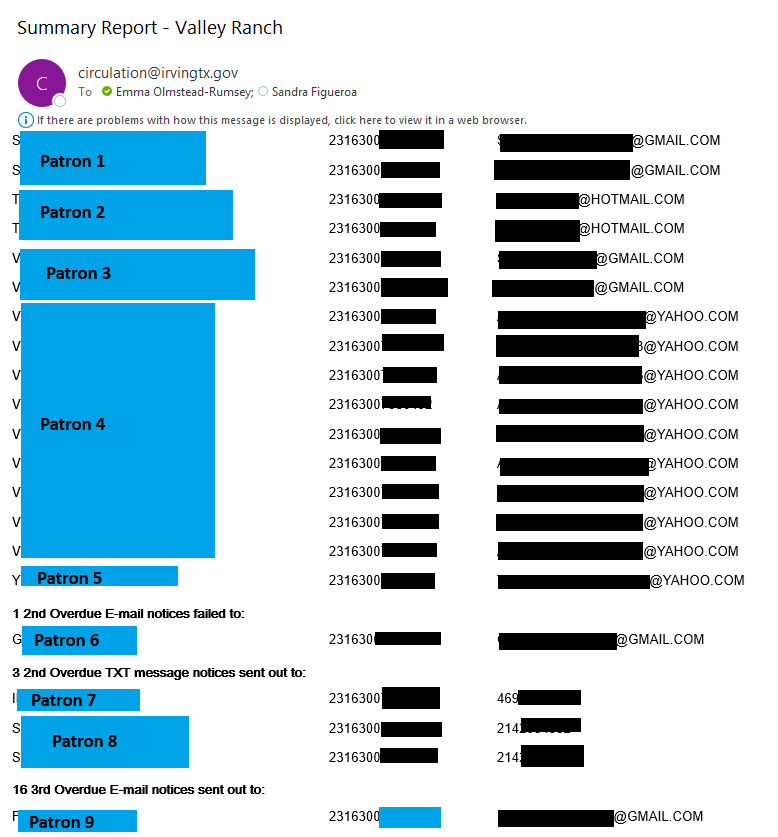
With a success rate above 99%, I’m looking for a couple of failures in messages with several hundred rows. But I keep doing it because manual review of the failures has turned out to be valuable–most are obvious typos (gamil.com or mis-spellings of a patron’s name) that can be immediately corrected and the patron can be restored to the notification option they indicated they wanted.
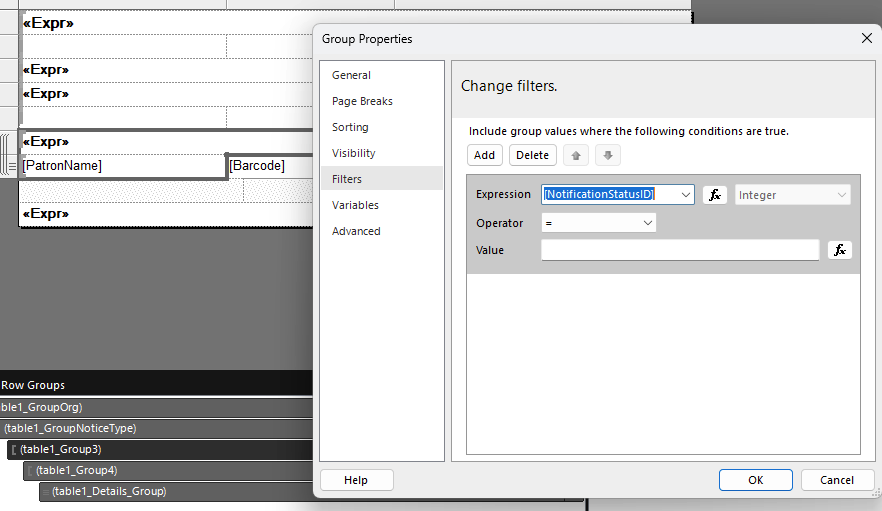
I’d like to make a version of this report that ONLY includes the failures. I’ve found what looks to be the actual report behind these emails in Reporting Services, but I’m not experienced enough with SQL or Report Builder to feel confident modifying it, and its subscriptions don’t work the same way as the custom reports I’m familiar with, so I’m afraid to mess with those also.
Has anyone done anything similar, or approached the same problem from a different angle and is willing to share some advice?