Hello! I’d like to know if anyone has attempted to automate or script-drive Sierra’s web-based admin app using any method, and if so, what your experience has been.
Use Case: I find myself in the position of needing to change about 800 Sierra passwords — not patron PINs — and to repeat this exercise periodically. As entertaining a diversion as this may be, I would rather not spend the better part of two days each time devoted to that task. I am going to attempt to write a Python program using the Selenium package to automate this process and would like to hear from others in the IUG community — Sierra or Polaris — who have attempted anything similar. TIA.
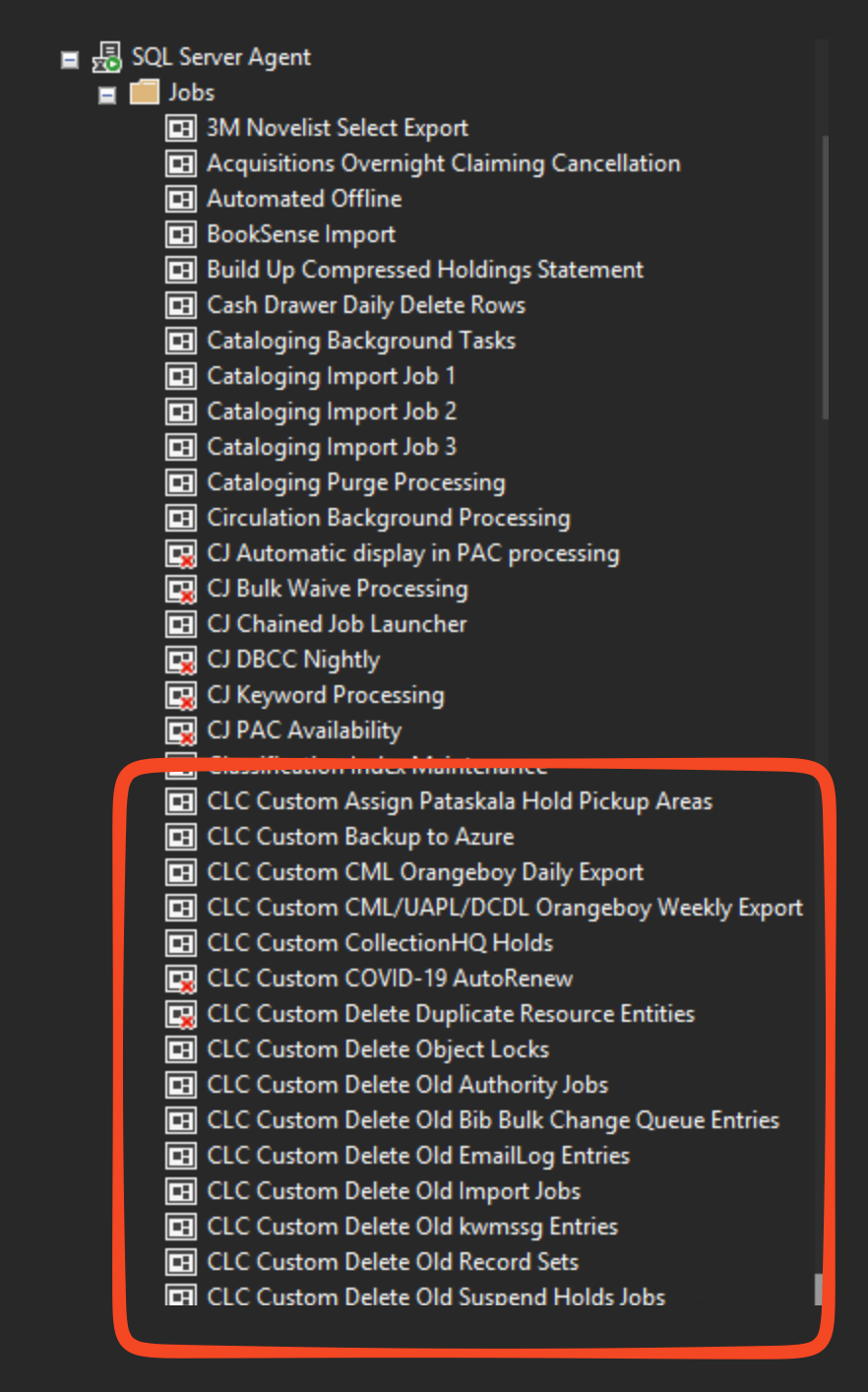
If you are self-hosted in Polaris land, I think we primarily schedule things through the MS SQL job scheduler. Since there are other jobs already there, it gives you the advantage of consolidating all of your scheduled stuff into one place.
We do have a few things that we update outside of SQL jobs (including things like the bib dedupe queue) and those are typically managed through Hangfire, again because it is the defacto standard in Microsoft .NET land and has a lot of robustness for handling failures, etc.
@wesochuck, I am referring specifically to automation of data entry and/or maintenance actions in a web-based interface. So walking the DOM, identifying and activating links and form elements, sending keystrokes, stuff like that. I need to automate the clicks and keystrokes, not the initiation of the overall process. Based on my research, Selenium seems like the ideal toolset, but I’ve never seriously considered coding a bot prior to this.
If this works out, I may attempt to automate the suspension and reinstatement of service for overdue hotspots via the AT&T Wireless web portal. A couple of years ago I had inquired of AT&T if they offered an API for this purpose and they did not. MFA on the AT&T site presents an additional challenge to humans and bots alike.
I haven’t used Selenium, but based on the description of the package on the web it sounds a bit like a more general tool I have used: AutoHotkey. This lets you script actions in Windows so you can use it with any Windows-based application - including keystrokes and mouse actions.
I’ve used it in the past with web-based applications and with the Sierra client. I never needed to use it with the web-based admin app while I was a Sierra administrator but would have felt comfortable doing so back then (I’m Polaris now). I will note that I never used it in an MFA environment or where passwords were necessary so it might not handle that so well.
AutoHotkey is fairly easy to get into (if you’re a Windows shop) but can do quite powerful things. I will caution that you can control apps using screen position to determine when / where to press buttons. While that can work when nothing else will, it’s very fragile and prone to breaking a script when updates happen.
Thank you, @lreynish. Does AutoHotkey have any awareness of web page content, particularly active content which isn’t visible by viewing the page source?
I haven’t used it on the web-based program, but I did use it on Sierra’s Circa Inventory program. We had an issue where Sierra’s inventory would just randomly stop working in the middle of scans and when this happened it would lose all information about barcodes scanned and shelf list rendering it completely useless.
After some troubleshooting I discovered circa was just timing out.
So I built a wrapper program using a tkinter interface for staff that would query the database for items and sort these by call number before it would start. Then when they would scan a barcode and I would login to circa with selenium and feed it a barcode and if it was valid would see if it was in the range being scanned (by location) and if so match it, and if not see if it was in the entire db, and if not it was likely because circa had timed out and so I resent the barcode again. Once they were done a shelflist they would indicate this and it would present data and show out of order and missing items. But even if that failed there was an in order scan of barcodes that could be imported into the database and then we could manually update the inventory date and do further shelflist analysis if desired.
So it is pretty simple because I really just handle login clicking on one URL and then entering a barcode and clicking a submit button.
I haven’t looked at the code in a long time and we don’t use it anymore because the browser versions change very often and with that you need to change selenium version and IT just doesn’t allow for updates on most laptops. I’m restricted to local admin on my own personal one right now.
The newer versions of AutoHotkey can read and parse non-visible page content and extract specific content or save the page source to a folder as desired. If you look on the forums you’ll see some fairly complex work-arounds for earlier versions of AHK but it’s become simpler with the newer versions.
I won’t pretend that I have a lot of experience with that aspect of AHK - only very simple things. But it can do that.
Over the weekend I wrote a Python-Selenium bot which logs into the Sierra web-based admin app, opens a Sierra login and changes its password. So it can be done, and in only 78 lines of code. The next very straightforward step is to add a looping structure to change the password of all 800 of those Sierra logins…
I’ll have to dig up my script … but I did a ridiculous thing to automate a terribly terrible workflow involving the Sierra SDA and editing something to do with locations - it was similar to AutoIT (if anyone remembers that crazy set of tools)
This looks cool though! I’ll have to dig in more later, but I just wanted to say thanks for sharing!
I’m looking forward to seeing your ridiculous solution to an otherwise terribly terrible workflow,@Ray_Voelker! I rely heavily on macros in the SDA for repetitive work such as adding location codes for a new branch or collection. Stark Library has around 250 very granular shelving locations per branch and it can take quite a while to enter all of those manually. A good macro can eliminate an awful lot of keystrokes; in the case of adding location codes, that macro saves me about 40 keystrokes per location code on average.
A followup to share on this Python-Selenium project: Friday evening after the library closed, the Python program changed over 500 Sierra staff-use passwords in under 2.5 hours, not nearly as quickly as one might accomplish this using a SQL UPDATE statement to a read-only database or a series of API calls to currently nonexistent endpoints, but given these limitations, a lot faster than any mind-numbing marathon session in Sierra’s web-based admin app.
Once that update was complete, the code was ported to Debian Linux, using the Chrome webdriver instead of the Edge webdriver used with the Windows version. More significantly, the webdriver is now being run in “headless” mode, which is to say no graphical component of the browser is being run; all of the interaction with the web app occurs in the background, which allows the job to be run hands-free by Task Scheduler or cron in the off hours. Should errors occur, very detailed Chrome logging is recorded in a subfolder by Chrome itself, in addition to the fault tolerance and logging present in the Python code.
Now IT wants me to integrate this code with Bitwarden and check at least nightly for updates to Sierra passwords stored in BW, updates triggered by staff turnover and/or password aging. When the Python code detects that one or more Sierra passwords stored in the Bitwarden vault have been changed, Python is to change them in Sierra using this same Selenium automation approach. That’s the plan, anyway.
Having long resisted the use of AI for coding assistance, I owe the following admission to @wesochuck: I caved. Selenium has proven too challenging to avoid assistance from Google’s coding AI. I can’t say the tips offered usually pan out, because most of them don’t, but I am still learning a lot from the alternative approaches offered.
Sounds like a good place to start. Just think of it as a higher layer of abstraction; you don’t do your SQL queries in assembly language, right?
Make sure you’re giving the system plenty of context, including as much of your existing code file(s) as possible. You might find it more effective to use either the Antigravity IDE or Antigravity CLI interface on the project so they can get a better scope on your project and hopefully provide you with more effective answers.
 I rely heavily on macros in the SDA for repetitive work such as adding location codes for a new branch or collection. Stark Library has around 250 very granular shelving locations per branch and it can take quite a while to enter all of those manually. A good macro can eliminate an awful lot of keystrokes; in the case of adding location codes, that macro saves me about 40 keystrokes per location code on average.